In this article, we will explain to you how to use Email Delivery to track an email using cPanel.
To track email delivery, follow the steps:
- Log in to cPanel.
- Click on the “Track Delivery” sub-option from the “Email” section.

- Enter the “Recipient’s Email”.
- Click on the “Run Report” button.

- You can find the “Delivery Report” option.
- Under the delivery report, you can there are 4 options, and you can tick the boxes to enable them if required.
- Show Successes
- Show Deferred
- Show Failures
- Show In-Progress
- You can set the “Maximum Results/Type”.
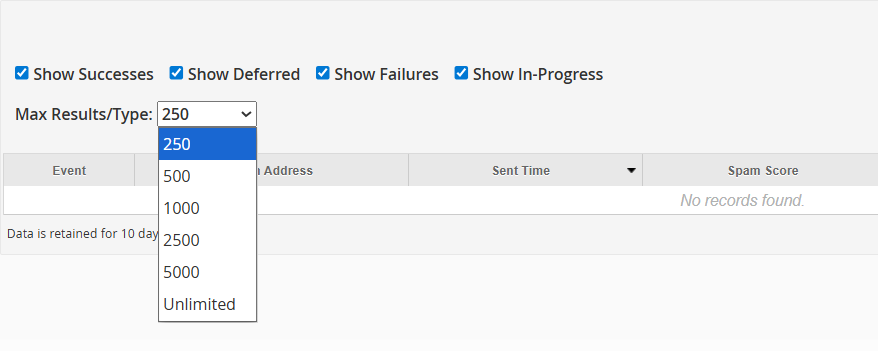
- You will get the “Email Address Trace” as shown below in the image.
That’s it! Wasn’t it easy to understand? You will also enjoy reading our other KBs on-site. And if you face any difficulty, contact our support staff.
Ready to optimise your email delivery? Here is detail guide about WHM’s Mail Queue Manager.