The domain’s email addresses must be set up to use the local mail exchanger if a DNS zone is deleted in cPanel.
Let us follow the steps:
- Log in to your cPanel account.
- Select the Domains section.
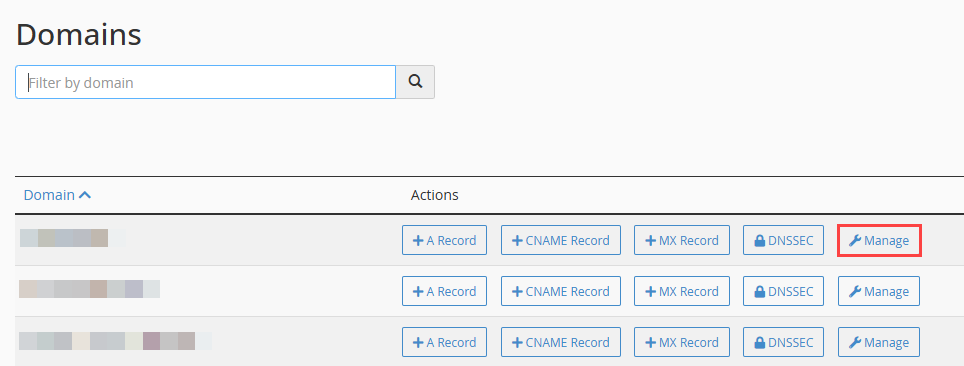
- Click on the Zone Editor option.

- Select the Domain and click on the Manage button.
- Find the record you wish to delete.
- Click on the Delete button.

- It will ask you again whether you are sure or not. So, click on the “Continue” button.

- You will get a success message that the record has been deleted.

This way, you can delete a record using cPanel. For more useful articles, please visit our Knowledge Base section, and for queries, contact our support staff.
Also Read : How to add TXT Record in cPanel