This article explains how to change the PHP version for a specific domain in cPanel using the MultiPHP Manager. Adjusting the PHP version allows you to meet application requirements and improve compatibility without affecting other domains on the same account.
Steps to change the PHP version for a Domain:
- Log in to cPanel.
- Under Software, choose MultiPHP Manager.

- Choose which version of the domain you want to modify.

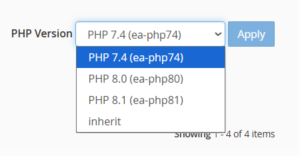
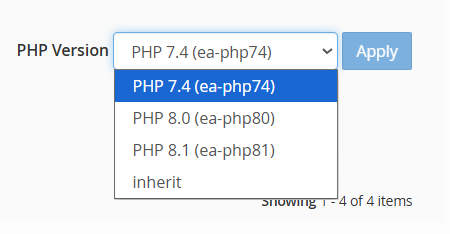
- After choosing the domain, use the down arrow to navigate to the top-right corner of the screen, where it says “PHP Version,” as shown in the illustration below.
- Select “Apply” from the menu.
By following the steps above, you can easily change the PHP version for an individual domain in cPanel using the MultiPHP Manager, ensuring better compatibility and performance for your website.
After setting up, you can check the PHP Version and Configuration in cPanel.