In this guide, we will explain to you how to convert your hosting service customer to a reseller customer. Business owners have room to grow with reseller hosting.
Let us follow the steps to convert an account into a reseller one:
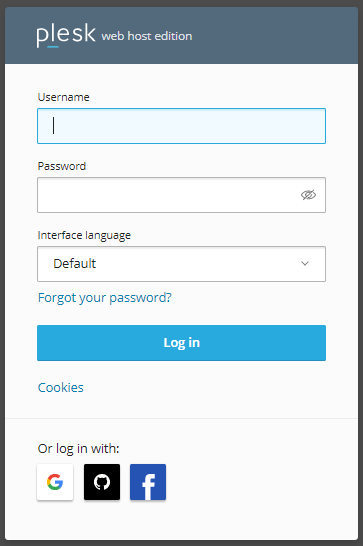
- Log in to your Plesk account.
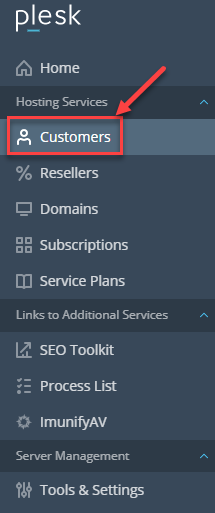
- Select the “Customers” under the “Hosting Services” option.
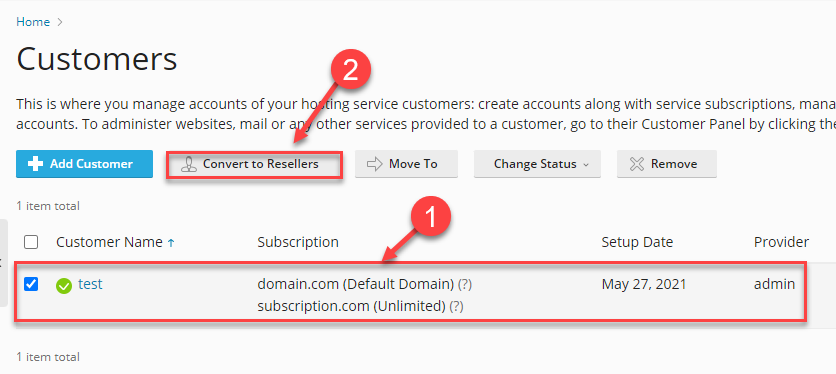
- Select the customer and click on the “Convert to Resellers” button.
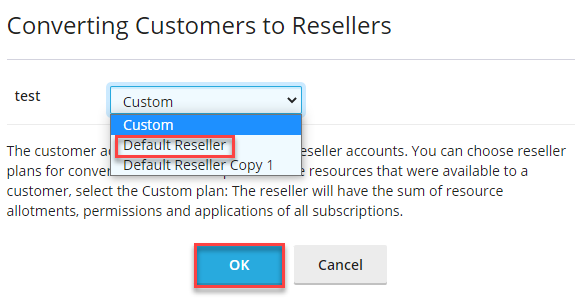
- A new pop-up window will appear.
- Select the option of “Default Reseller”.
- You will receive a success message after it has finished converting.

That was it.
Do you want to create a reseller account instead of converting an existing user? Learn how with How to Create a Reseller Account in Plesk.
Hope you understood everything clearly. For any issue contact our support staff and also don’t miss out on our latest web hosting plans.