In this guide, you will explore how to convert an account’s mailboxes in WHM.
The interface provides an overview of accounts utilising both the mdbox and maildir formats, highlighting the advantages and constraints associated with each format.
Follow the steps mentioned below:
- Log in to WHM.
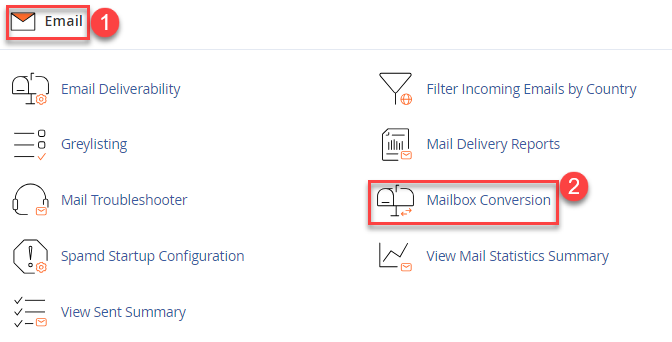
- Select the “Email” section and click on the “Mail conversion” sub-option.
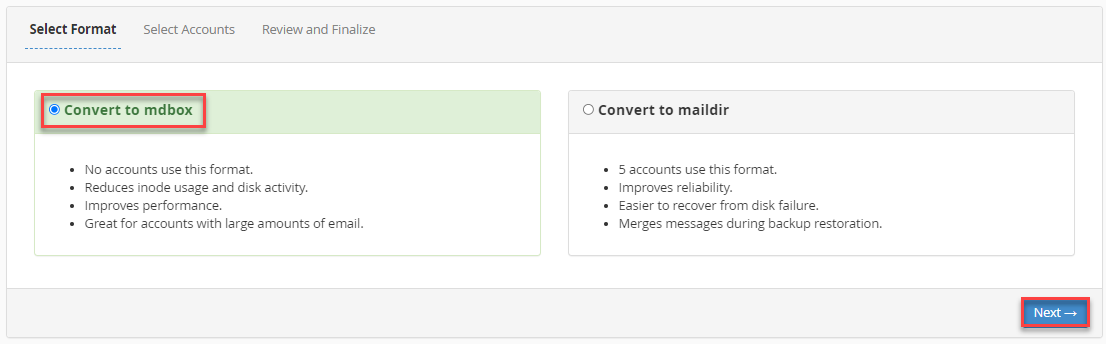
- Select the desired mailbox format and click on the “Next” button.
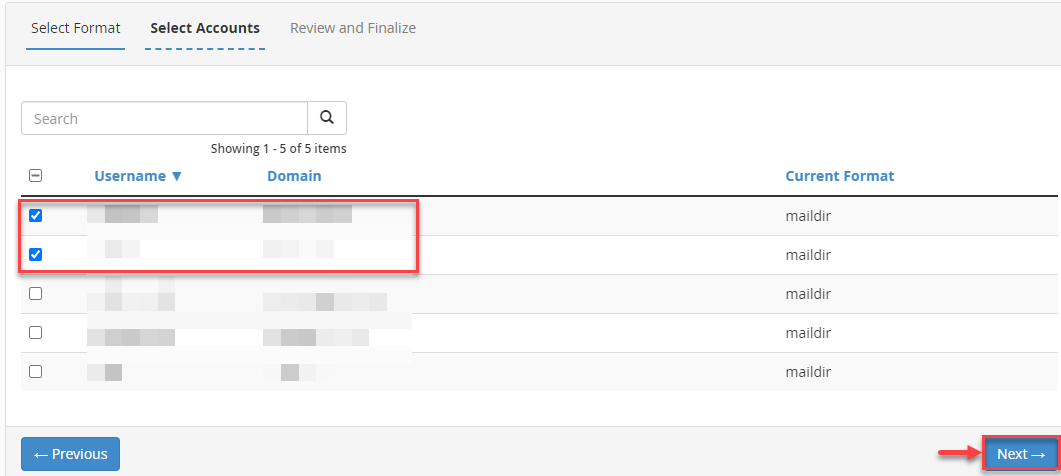
- Select the tick boxes for each account you wish to convert and then click on the “Next” button.
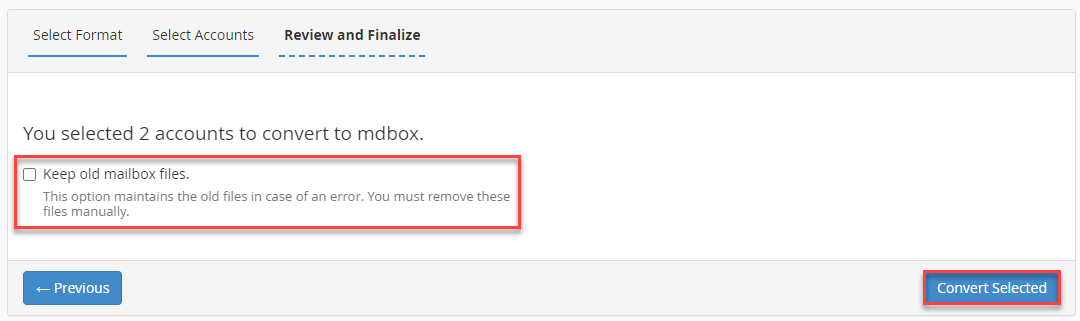
- Click on the “Convert selected” button.
- If you wish to keep the files for the old format, tick the box named “Keep old mailbox files”.
- If you wish to return to the previous step in this process, you can click the “Previous” button.
- You will get a success message as shown below.
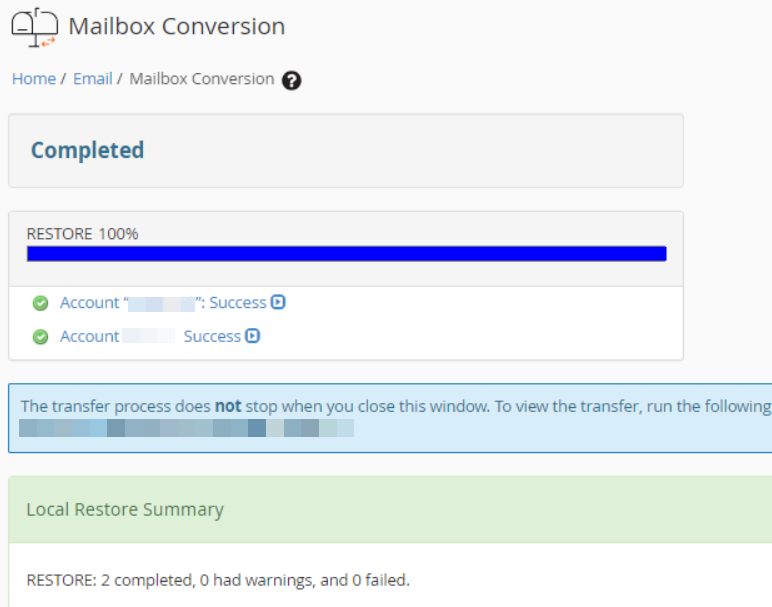
This way, you can convert an account’s mailboxes in WHM.
Do you want to optimise your email storage? Check out our article on How to Clean Your Mailbox for effective cleaning.
For extra assistance, seek help from our support experts, who are available 24×7.