In this article, we have explained how to enable “Out of memory warnings” through WHM.
Follow the steps to enable “Out of memory warnings” through WHM:
- Log in to WHM.
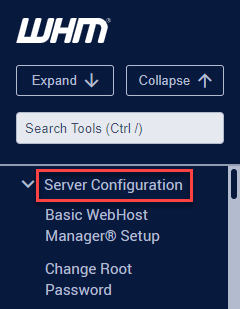
- Select the “Server Configuration” option from the left hand side of the screen.
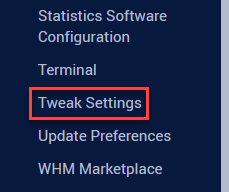
- Click on the “Tweak settings” option.
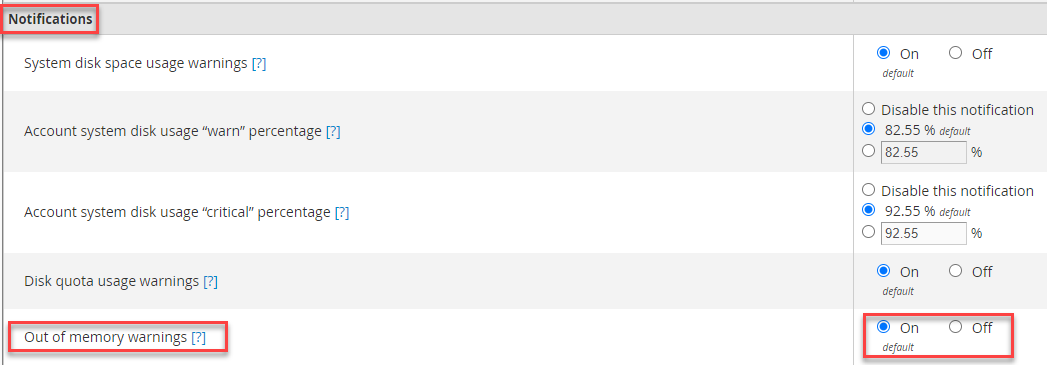
- Navigate to “Notifications” section and search “Out of memory warnings” option and tick the “On” radio button.
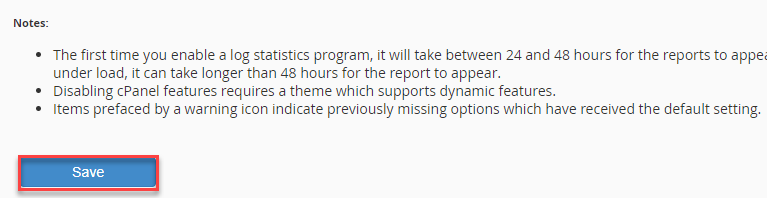
- Click on the “Save” button.
- You will get a success message.
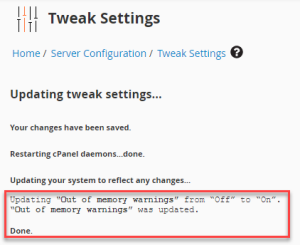
In this manner, you can enable “Out of memory warnings” through WHM.
While managing memory warnings, it is also important to monitor disk usage to help avoid potential problems. To ensure that you are alerted when your disk usage reaches a certain threshold, you can set a disk usage “alert” percentage in WHM. This will help you maintain the best server performance and avoid unexpected downtime due to disk space issues.
If you need any additional support, do get in touch with our support team.