The purpose of this guide is to explain how to use Nginx to serve all static content in Plesk. For static content requests, Apache only identifies the location of the corresponding file, while Nginx locates and delivers it.
Follow the steps to serve all static content in Plesk using Nginx:
- Log in to the Plesk control panel.
- Select the “Websites & Domains” option from the left-hand side of the screen.

- You will end up on the “Apache & Nginx settings” page.
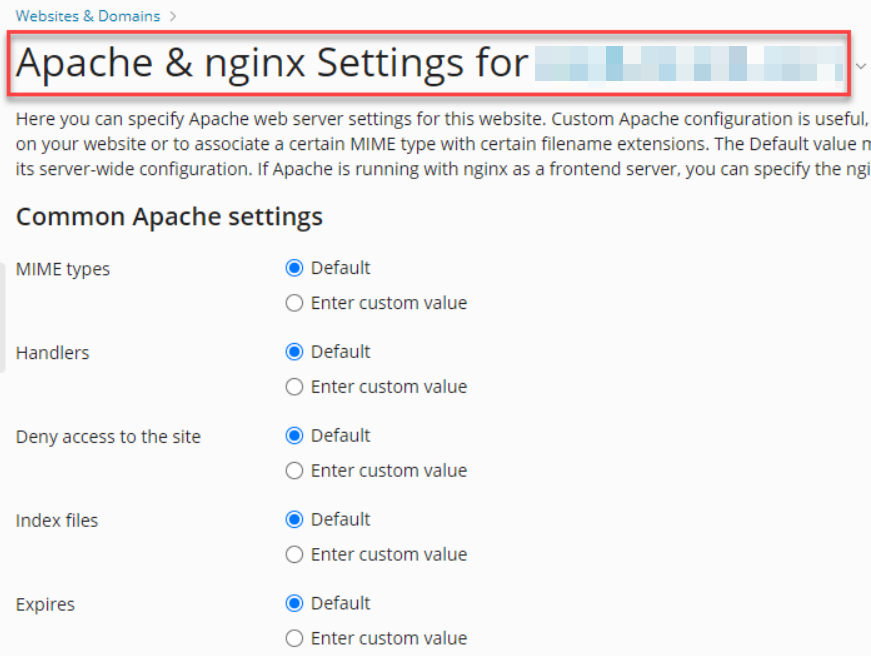
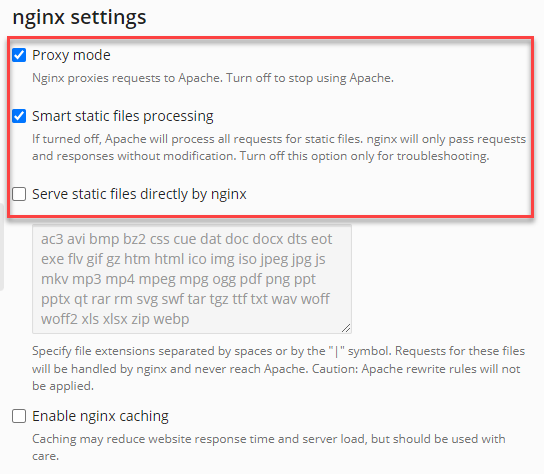
- Scroll down to the “Nginx settings” section.
- Check the boxes for “Proxy mode” and “Smart static file processing”.
- Ensure that Nginx is not configured to serve static files directly. So uncheck the “Serve static files directly by nginx” option.
- Click on the “Ok” button.

It’s that simple! It was easy, wasn’t it? Please visit our KB section regularly if you enjoyed our article.