This guide explains how to start, stop, or restart system services such as Apache and MySQL using the Services Management feature in the Plesk control panel.
Steps to start, stop, or restart system services such as Apache and MySQL:
- Log in to Plesk.

- Select the “Tools & Settings” option from the screen’s menu on the left-hand side.
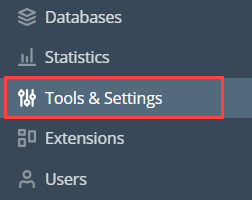
- Select the “Server management” option.
- Click on the “Services Management” sub-option.

- You will find the services on your server. You can click on the “Refresh” button.
- You will find the three options on the right-hand side of the screen. You can begin, discontinue or resume services in the Plesk control panel.

That’s it! Hope you liked our article. This way you can easily begin, discontinue or resume the services on the Plesk control panel.