In this article, we will guide you through changing the subscriber of a subscription in Plesk.
Let us follow these steps:
- Log in to Plesk.
- Click on the “Subscriptions” option from the side menu.
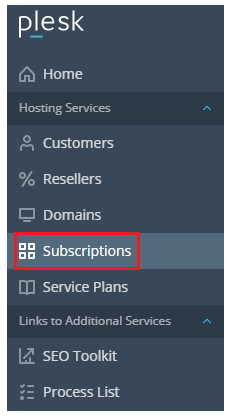
- Select the “Subscription”. You can select subscriptions individually or select them all at once.

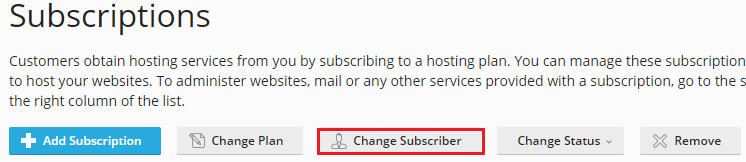
- Click on the “Change Subscriber” tab.
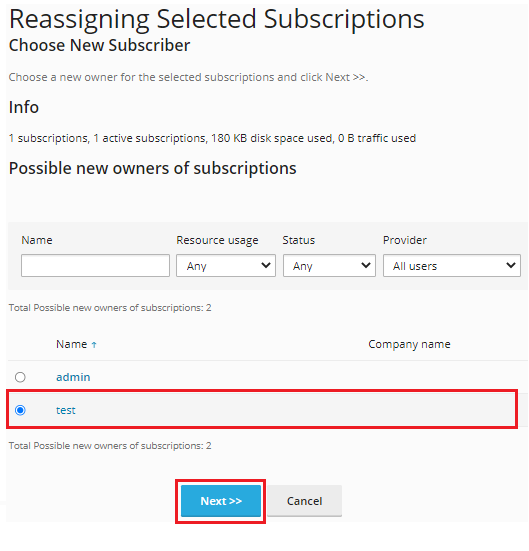
- Select the “Subscriber Name” and click on the “Next” button.
- Check all the information and click on the “Finish” button.

- You will get a message that the “Subscription ownership was changed”.

In this manner, you can change the subscriber of a subscription in Plesk. If you face any difficulty while doing so, contact our support staff at any moment. For more informative KBs, visit the Webhosting UK site regularly.