The following tutorial is going to walk you through the process of editing System Mail Preferences.
Let us proceed further with the steps:
- Log in to WHM.
- Choose the “Server Contacts” option.
- Select the “Edit Mail System Preferences” sub-option.
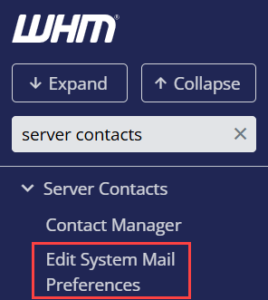
- You will enter a new page, where you can edit the system Mail Preferences.
- Edit the email address used to send system information. Normally, the system sends emails to the root regarding server faults and typical server activities.
- To forward an email to one or more users on the server, or email addresses, enter them in a comma-separated list.

- You will be able to adjust where cPanel, nobody, and root users’ emails are sent.

- Make changes and click on the Update button.

Hope you understood everything clearly. Even if you don’t, then you can just raise a ticket, live chat or directly call Webhosting UK experts. They will definitely help you.