This article explains how to view the Error Log in cPanel, which displays recent HTTP errors encountered by visitors due to issues such as missing files or incorrect permissions. The error log shows up to the last 300 entries and can also help identify suspicious activities, including potential security threats.
Let us see the steps:
- Log in to your cPanel account.
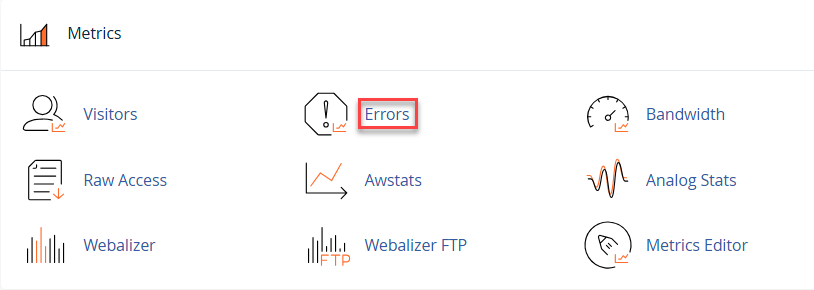
- Click Metrics on the cPanel home panel.
- Select Errors from the drop-down menu.
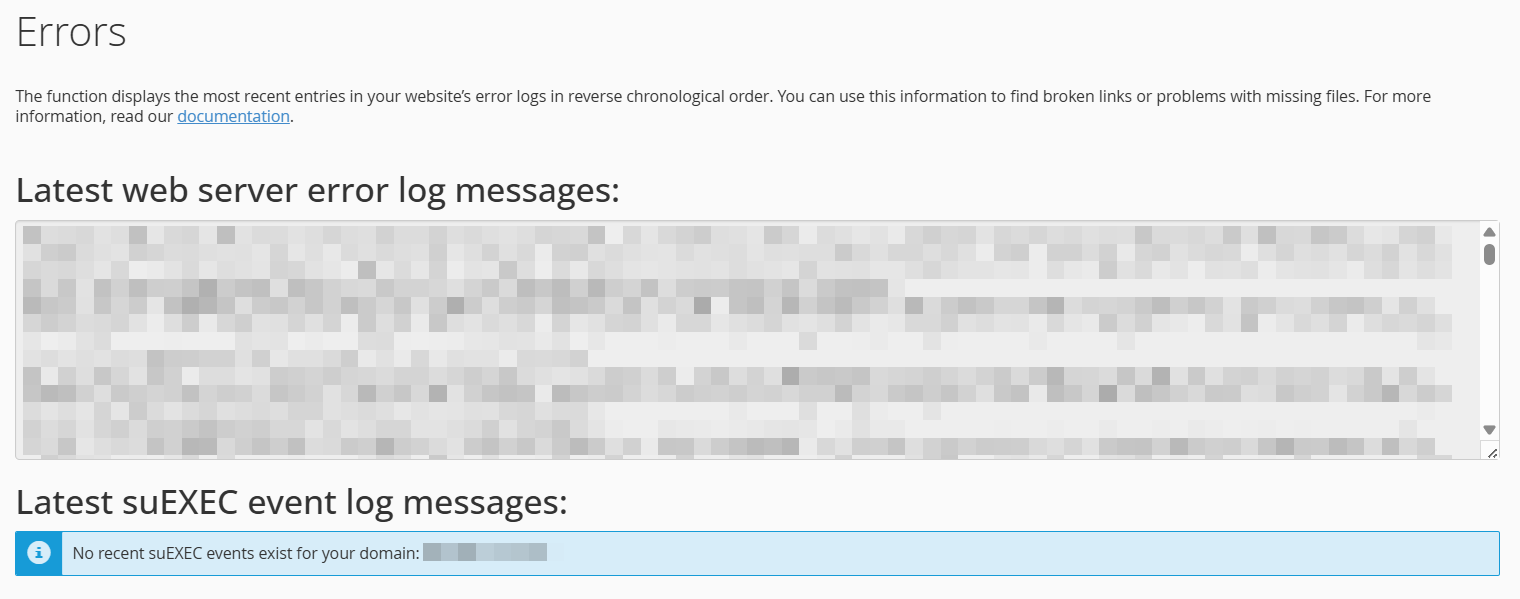
- This section shows the most recent website error log entries in cPanel, helping you troubleshoot server and script-related issues.
In such a way, you will find the Error Log in cPanel. Feel free to contact our support team at any time for any help. The support team is available 24×7. Also, don’t forget to take a look at our cPanel hosting plans.