In this article, we will explain how to add a default file for your website in Plesk.
To implement a different set of index files with specific filename extensions on your website, adhere to the following steps:
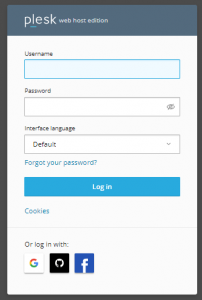
- Log into your Plesk.
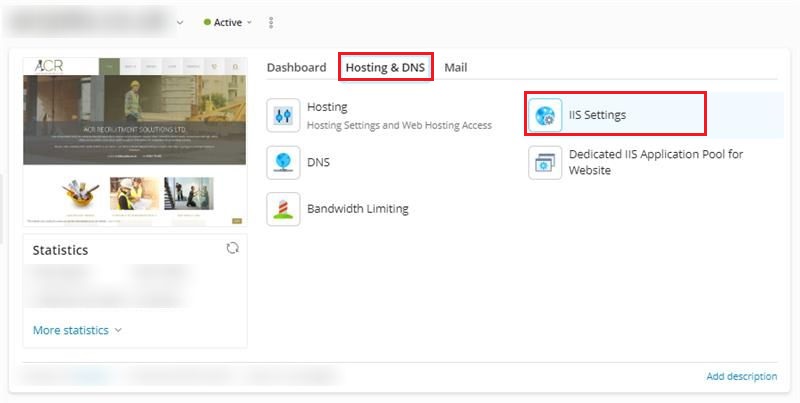
- Navigate to “Hosting & DNS” and select “IIS Settings”.
-
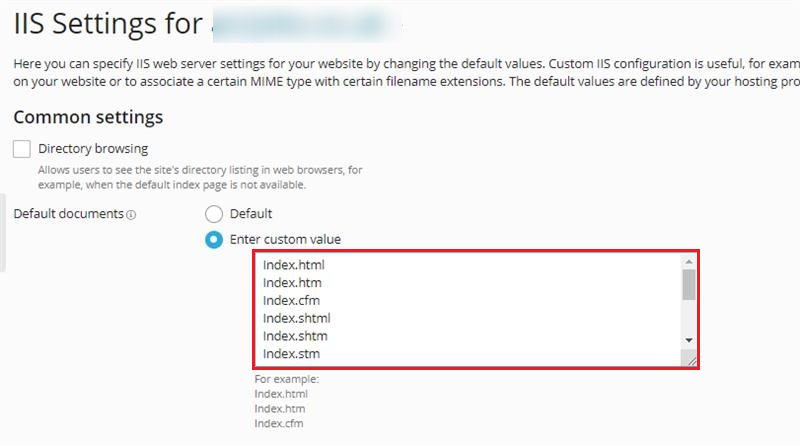
Access the default documents and input the desired filename you wish to use.
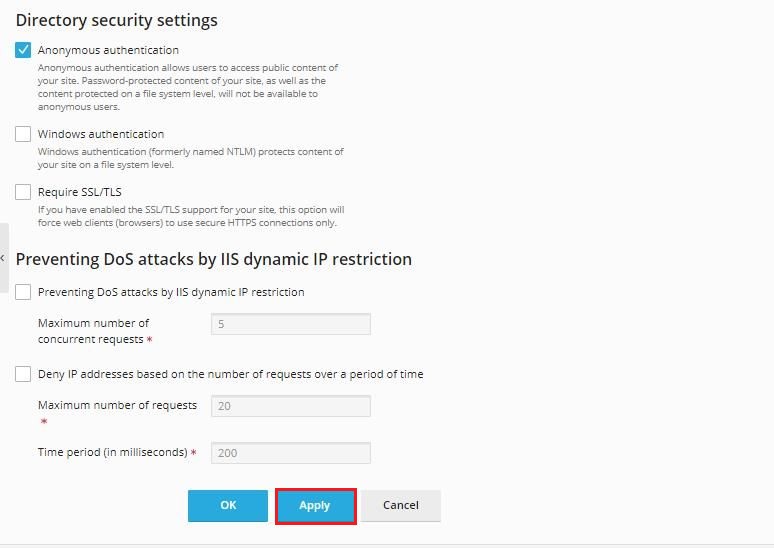
- Click on Apply.
In this way, you can Add a Default File for Your Website in Plesk