In this article, we will explain how to remove an email account in Plesk.
Custom emails are a vital hosting feature, enabling users to create and manage multiple email accounts under their domain. This functionality is easily accessible through control panels like Plesk, allowing for effortless management, including the deletion of email accounts.
Follow these steps to remove an email account from Plesk:
- Log in to your Plesk Panel.
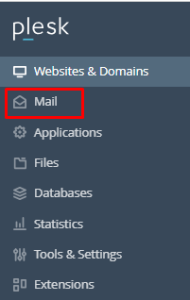
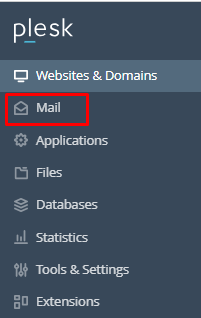
- Click on the “Mail” section.
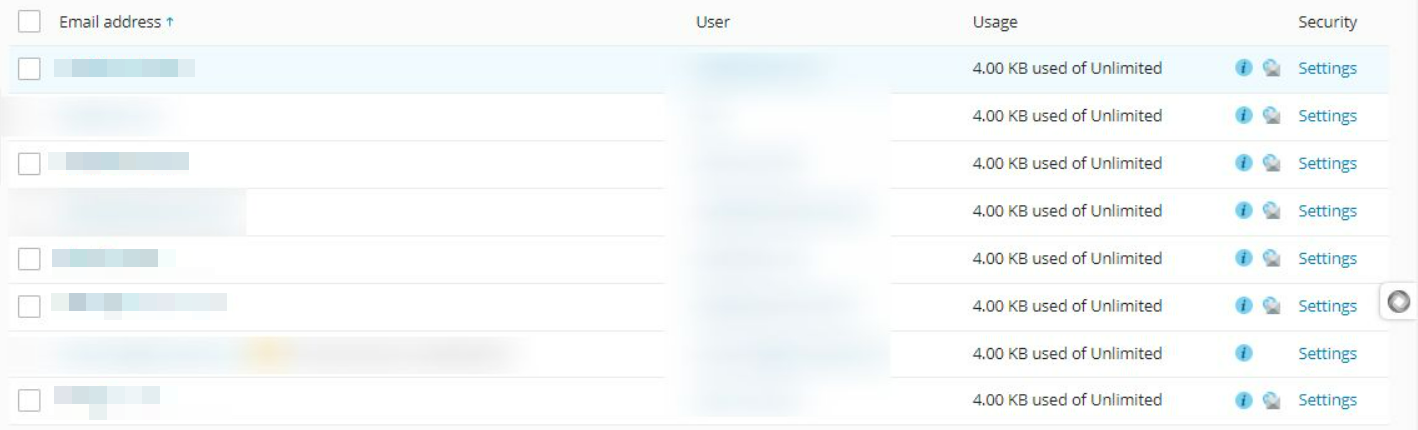
- You will see a list of active email accounts in Plesk.
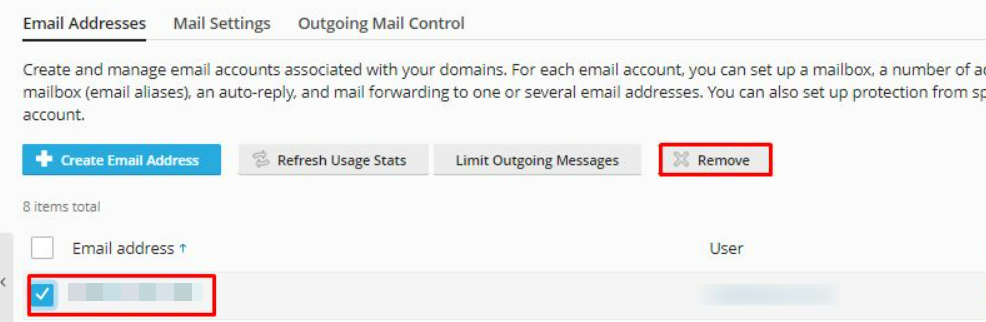
- Tick the box next to the email account and click on “Remove”.
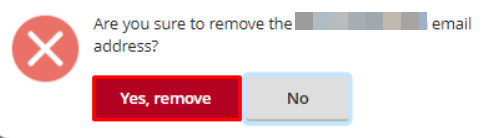
- A pop-up window will show up, requesting your confirmation. Click on “Yes, remove”.
In this way, you can remove an email account in Plesk. For more information on Plesk, visit our knowledge base sections.