This guide explains how to configure WHM to define the default bandwidth limit for new packages.
Steps to configure WHM to define the default bandwidth limit for new packages:
- Log in to WHM.
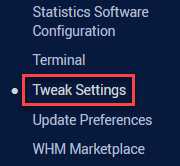
- Once you are logged in, select the Tweak Settings option under the Server Configuration category.
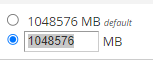
- Find the Default bandwidth limit for new packages option under the Packages section.

- Select the second radio button to enter the value. You can keep the default value as well.
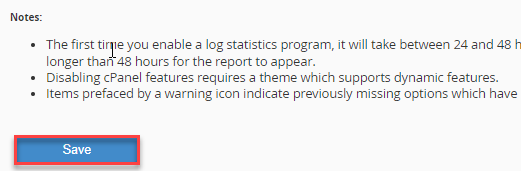
- Click on the Save button.
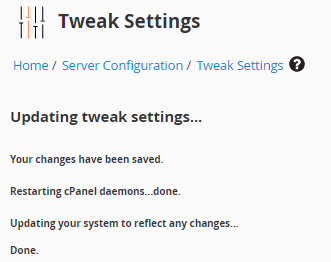
- You will get a success message.
Impact of Default Bandwidth Limit:
The default bandwidth limit defined in WHM will automatically apply to all newly created hosting packages. Any account created using these packages will inherit this bandwidth limit.
If the limit is set too low, websites may experience restricted traffic or temporary suspension once the bandwidth is exceeded. Setting an appropriate limit helps manage server resources effectively and prevents excessive bandwidth usage.
You can set up WHM in such a way that the default bandwidth capacity for new packages is defined. We hope you were able to understand this. Reach out to our support staff for any assistance.