In this article, you will discover how to clear Ngnix cache in Plesk.
A web server, reverse proxy, cache, load balancer, media streaming server, and many other functions can be performed with NGINX software. As a web server, it was designed to be as performant and stable as possible.
The following steps will help you clear the Ngnix cache in Plesk-
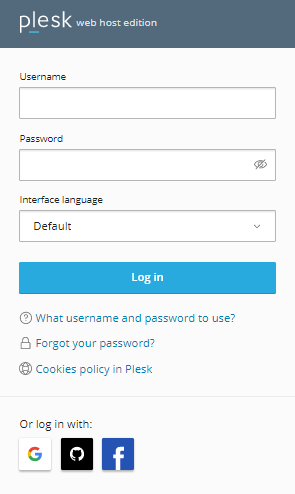
- Log in to Plesk.
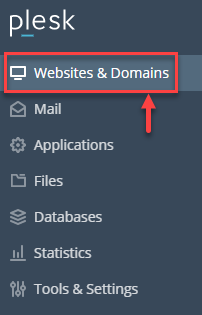
- Click on the “Websites & Domains” from the menu available.
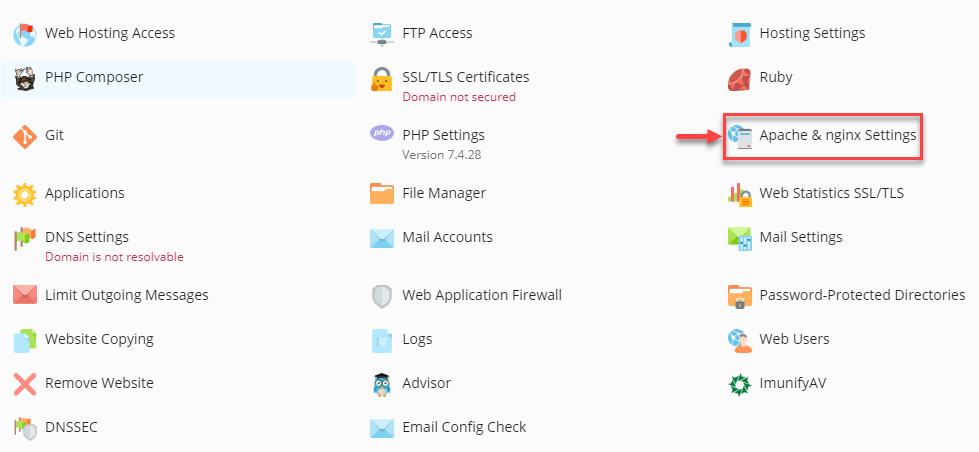
- Select the “Apache & Nginx Settings” sub-option.
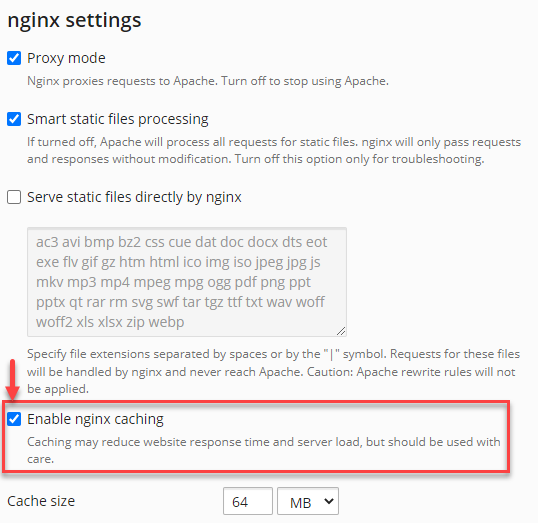
- Check in the “Enable Nginx caching” check box.
- Click on the “Clear cache” option.
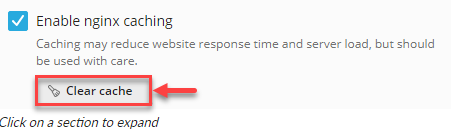
As a result, the Ngnix cache in Plesk will be cleared. WHUK offers reliable Windows hosting solutions – feel free to explore hosting solutions for optimal performance.