The server works resourcefully, and the performance is improved by restarting it. In this guide, we will explain how to restart the service through WHM.
Let us follow the steps
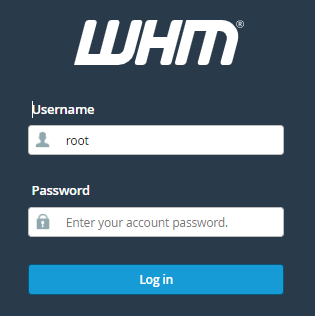
- Log in to WHM.
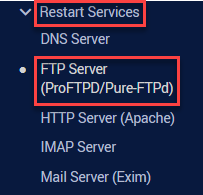
- Click on the “FTP server (ProFTPd/PureFTPd)” option under the “Restart services” section.
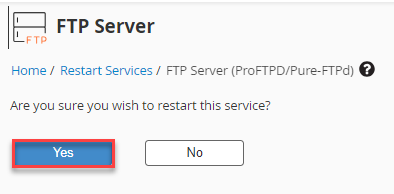
- On this page, you will be asked for confirmation. Click on the Yes button.
- You will be taken to the login screen after the service has restarted.
This way, you can restart the service through WHM. Hope you liked our article. If you have any doubts, you can contact our support team.