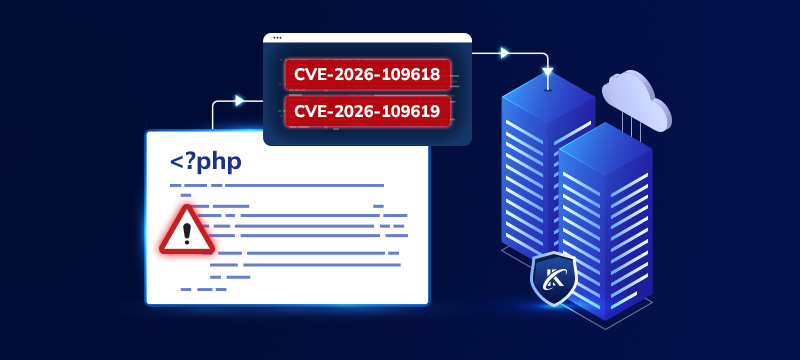
PHP has announced an emergency update to fix two critical security flaws. The release is scheduled for 21 October 2026 at 3 pm UK time, and both vulnerabilities have been given a severity score of 9.2 out of 10.
The flaws are being discussed under the name PHP2Shell. Researchers say they could allow attackers to run malicious code on affected servers, although PHP has not yet published the details needed to establish which websites are at risk.
If you run a website, the useful next step is to check which PHP version it uses and speak to whoever looks after your hosting. The announcement alone does not mean your website has been hacked.
First, find out whether your website uses PHP
WordPress runs on PHP, so this is relevant even if you have never written a line of code. PHP is part of the software running your website on the hosting server. Updating WordPress, its plugins or its theme is not the same as updating PHP.
To check the PHP version in WordPress, open Tools > Site Health > Info > Server and look for PHP version. Make a note of the full number shown.
For other website platforms, ask your hosting provider or developer where to find this information. If your account includes cPanel’s MultiPHP Manager, it can show the PHP version assigned to each domain.
Knowing the version is a starting point. Your provider will still need to check it against the confirmed advisory and any security updates supplied for your hosting platform.
Find out who is handling the update
Before changing settings, ask whether your website’s PHP installation is affected, who will apply the fix and whether your developer needs to check anything.
Be specific about the website or hosting service you are asking about. Rather than asking only whether “the server is up to date”, ask for confirmation that the relevant PHP security update has been applied to the installation your site uses.
Older installations need particular attention. PHP 8.1 and earlier no longer receive updates from the PHP project. If your website depends on one of these versions, ask about a supported upgrade path and any compatibility work it requires.
Avoid making an untested version change
There is a difference between applying a security fix and moving an older website to a newer PHP branch. WordPress’s own guidance recommends backing up the site and checking themes and plugins for compatibility before changing PHP versions.
If a developer maintains your website, involve them before making that change. Ask them to test a separate copy of the site where possible, then check the important functions after the live update.
For an online shop, that means testing the basket and checkout. For a service business, check enquiry forms and booking tools. Include customer logins and any connections to other systems.
Keep your website software maintained as well, but do not treat a plugin update as confirmation that the PHP issue has been resolved. Ask for confirmation of the PHP fix itself.
Latest PHP update
If your website is hosted with Webhosting UK, contact our support team with your domain name and mention PHP2Shell. Ask whether any action is needed for your website before changing its PHP settings.