This article explains how to add an entry for your hostname. A hostname is a domain name allotted to a host computer.
Follow the steps to add an entry for your hostname:
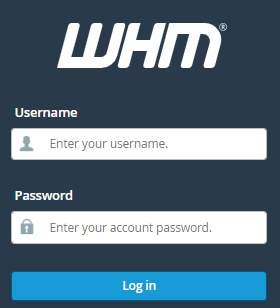
- Log in to WHM.
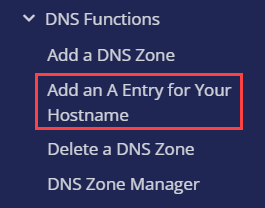
- From the left-hand side of the screen, select the DNS function option.
- Click on Add an A Entry for your hostname.
- You will enter a new page.
- Check the hostname, and review the info on your server. If you find it to be right, click on the “Add Entry” button.

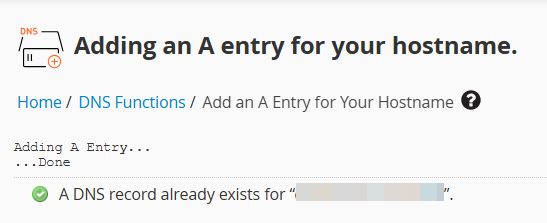
- You will receive a success message.
This way, you can add an entry for your hostname. Hope you liked our article and found it to be useful. If you face any difficulty, contact our support staff at any stage.